
Project management, supercharged with AI
Let AI handle your busywork. Backlog AI Assistant streamlines projects, predicts your next steps, and helps you get more done with less effort.
Intelligence built into your workflow
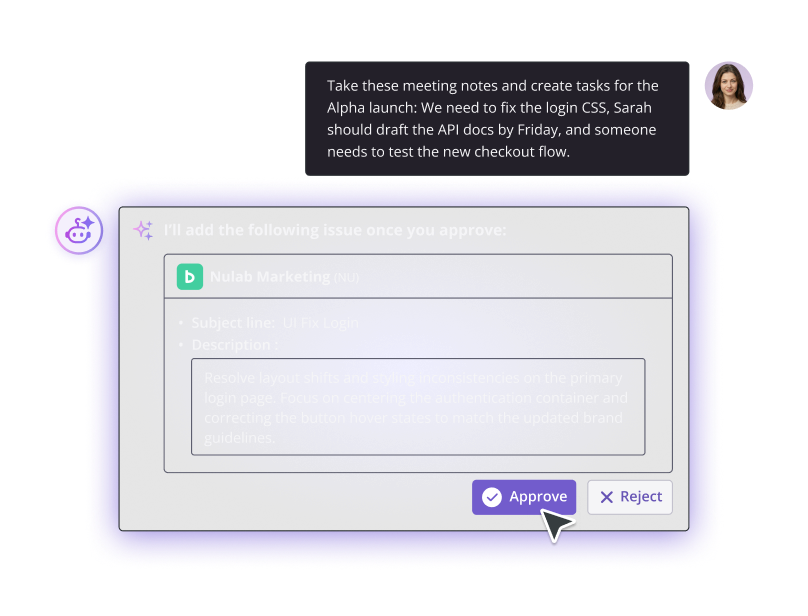
Project planning, at the speed of thought
Turn chats, notes, or meeting takeaways into clear timelines with actionable tasks.
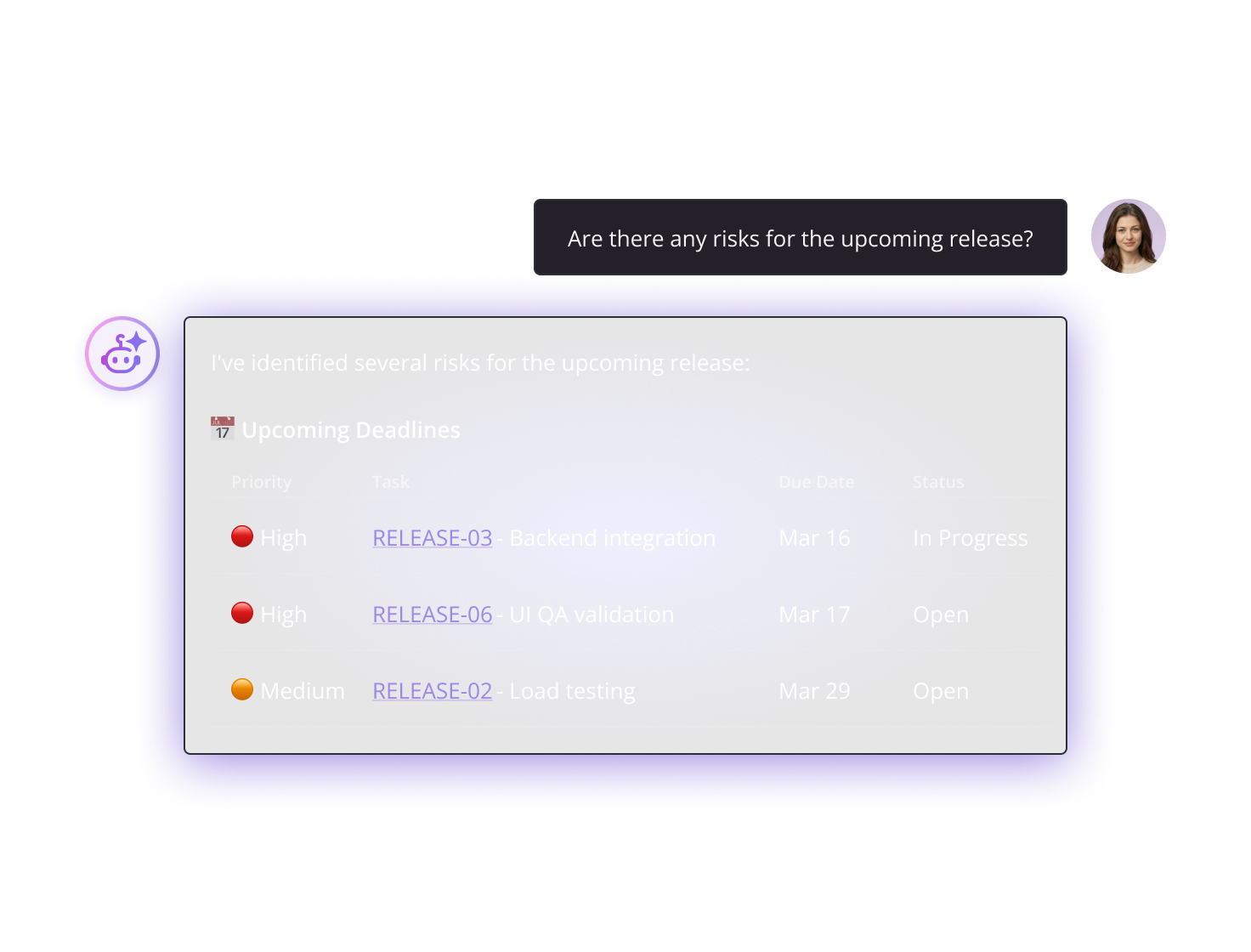
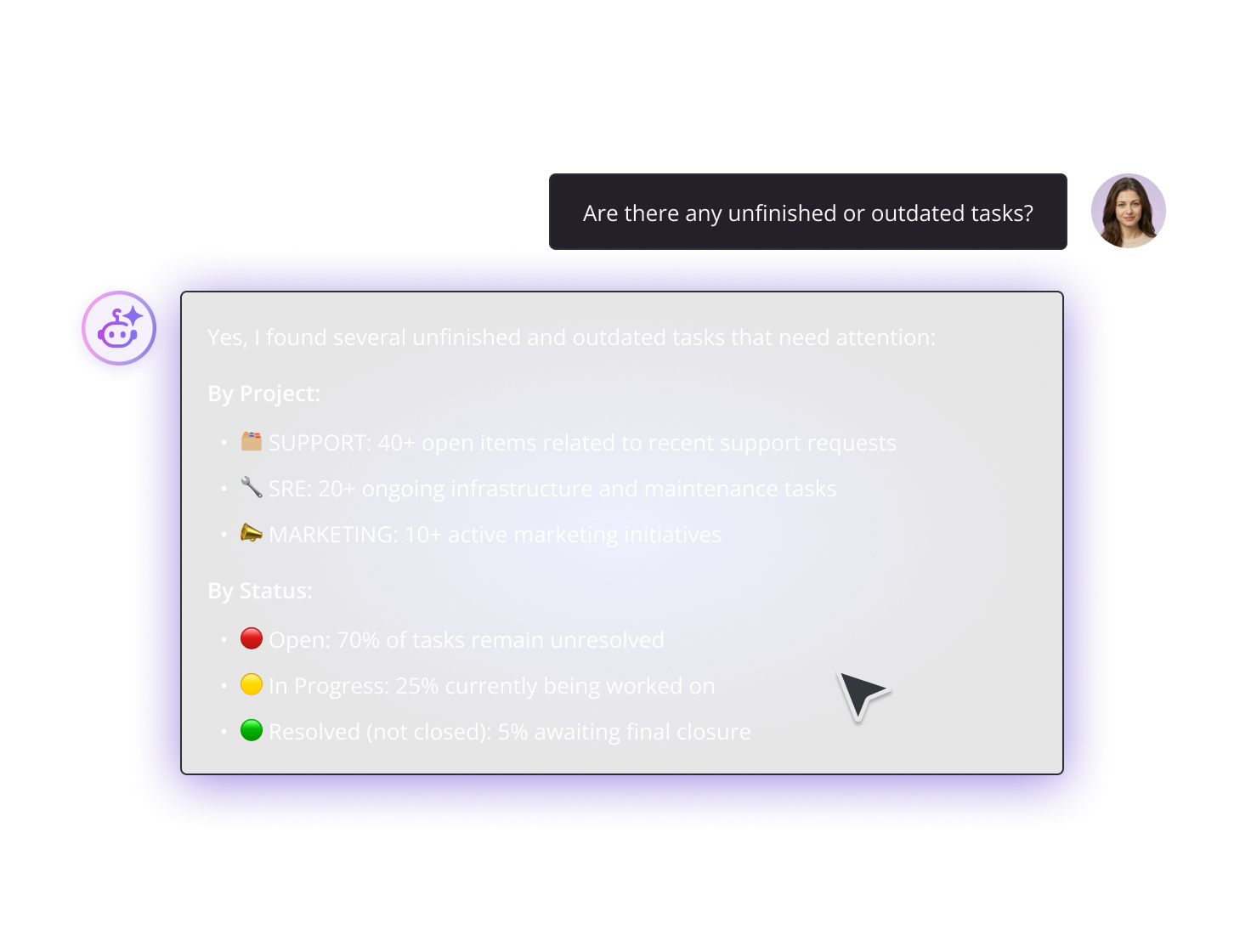
Find answers without the deep dive
Get quick summaries, generate progress reports, and surface exactly what matters in seconds.
Draft documents in seconds
Turn raw inputs into clear, well-structured documentation with one prompt.
Trusted by teams that move fast
With Backlog AI Assistant, searching past issues now saves us several minutes to tens of minutes each time.

Put Backlog AI Assistant to
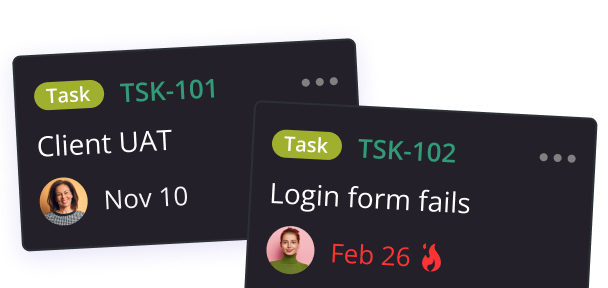
Discover Backlog AI Assistant use cases and prompts that can accelerate your workflow
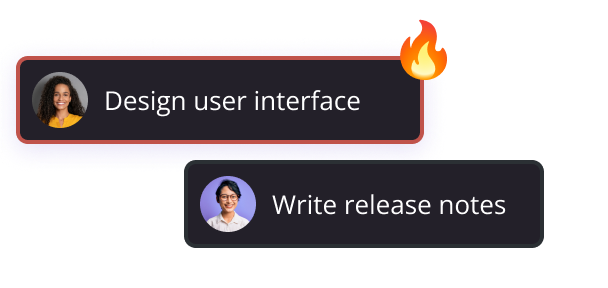
Built with trust in mind
Nothing moves forward without your team’s green light, keeping AI support fully secure.
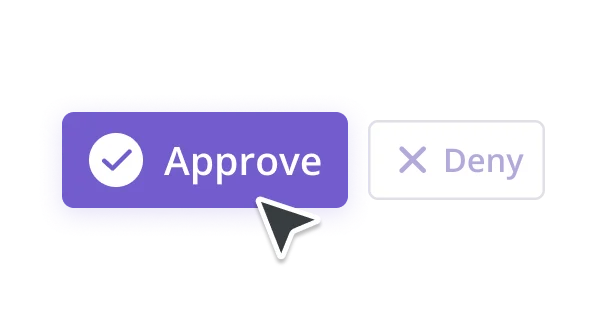
For every generative or action-oriented command (e.g., creating an issue), the user must manually approve the AI's proposed action, ensuring quality control and preventing errors.
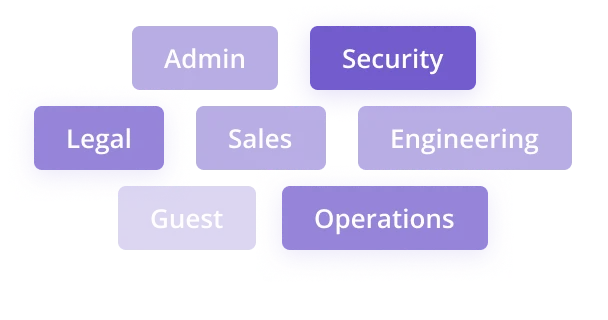
All AI retrieval and action capabilities strictly adhere to the user’s existing access permissions (per project, per user).
All AI-driven creation, update, or deletion actions are clearly marked in the audit log, ensuring traceability and compliance
Quick answers to common questions
Everything you need to know about Backlog AI Assistant, including access, usage, and limits.